Admin-controlled provider
Switch the search engine without touching extension code. The active provider and its search URL are served through the public settings API and picked up by both extension builds.
NewTab.ad replaces the default new-tab screen with a clean workspace your users can actually shape. Search provider, shortcut mix and the overall first impression can all be controlled centrally.
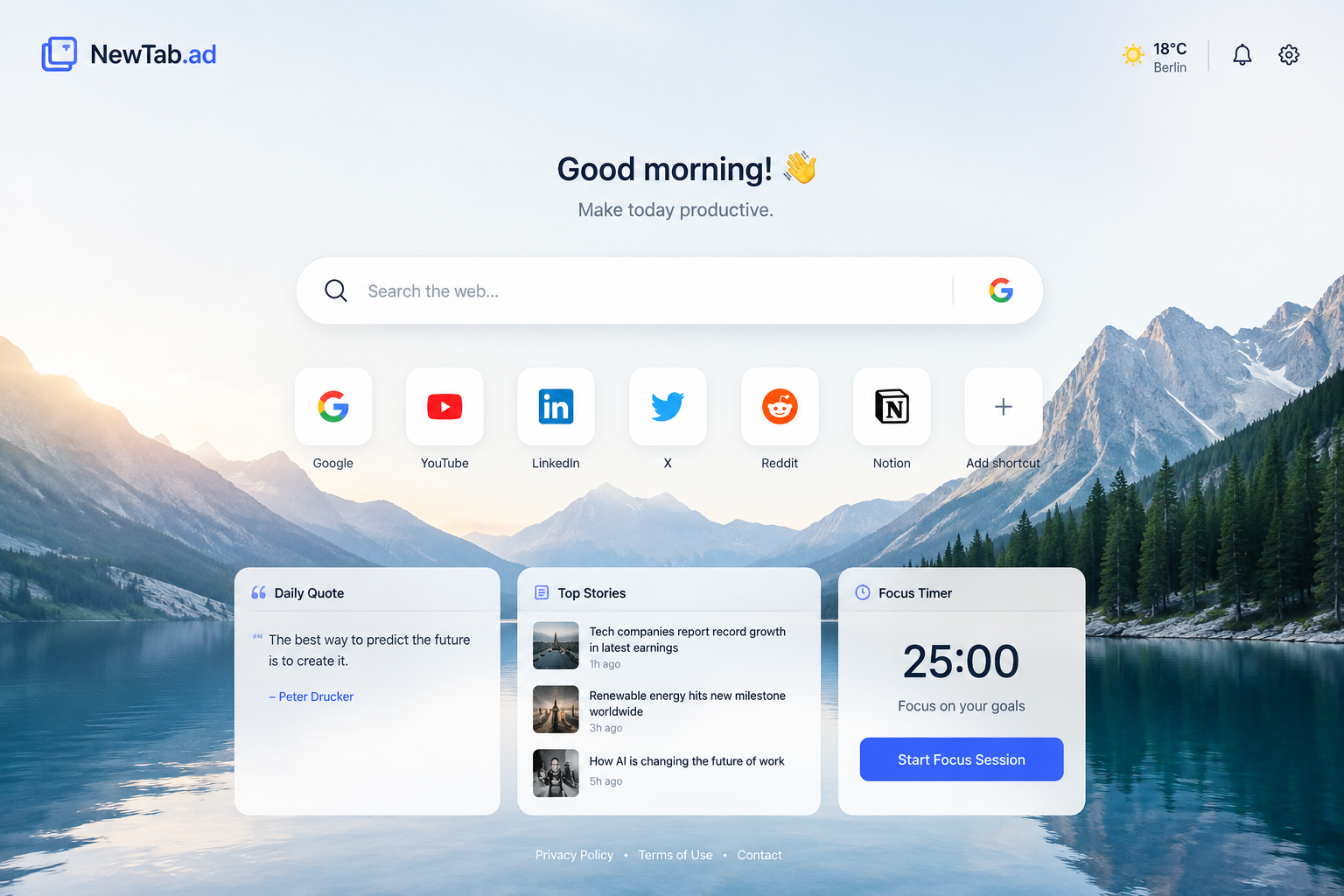
Switch the search engine without touching extension code. The active provider and its search URL are served through the public settings API and picked up by both extension builds.
Update destination URLs, labels and icon badges from the admin interface. This is ideal for sponsored placements, partner links or simply rotating core destinations like Reddit.
The project is scaffolded as its own standalone app, so we can add user personalization, remote widgets, analytics or store submission assets without colliding with PartnerContacts.
These chips are pulled from the same config endpoint the extension uses.
We placed everything into its own sibling folder named newtab-ad, so it can cleanly live as
a separate project tab and be deployed independently from PartnerContacts.